Showing posts with label Customer Service. Show all posts

Sunday, December 22, 2024

Dynamics 365 Contact Center - the new kid on the block

 In July 2024, Microsoft announced general availability of Microsoft Dynamics 365 Contact Center. This Contact Center As A Service (CCAAS) offering allows Microsoft to compete against players such as ...

It most likely is also a way for Microsoft to embed the Nuance offering more directly into the Dynamics 365 platform. It can be quite a daunting task for consultants and customers trying to come up with a cost simulation since licensing is not that easy taking into account the different capabilities in the platform (or as Tricia calls it "licensing a contact center deal can be a special place in hell" - in Licensing the Dynamics 365 Contact Center Part 1


Data flow and components in Dynamics 365 Contact Center architecture:

  1. Customers can connect through preferred channels including Teams for internal helpdesks. Licensing and operational cost vary depending on the required channels to support
  2. Azure Communication Services (ACS) offers PSTN integration for voice 
  3. Works not only with Dynamics 365 CRM (Customer Service) but also with other CRM platform such as Salesforce and ServiceNow
  4. Use Copilot Studio to configure AI agents and IVR setup
  5. Routing based on Unified routing framework
  6. Agents work in the Agent Workspace or Customer Service Workspace if you are using Dynamics 365 
  7. Connectors allow easy integration with Microsoft 365
  8. Typical AI scenario's supported such as case summary, conversation summary, draft e-mails and knowledge article support (mainly existing functionality which already surfaced earlier in Dynamics 365 Customer Service)
  9. Built on top of Power Platform with Dataverse as the core building block
  10. Built in monitoring, management and analytics & reporting functionality
If you want to learn more about this platform - I suggest that you follow Chris Goodwill on LinkedIn and join the Dynamics 365 Contact Center LinkedIn Group

Related posts:

Saturday, September 28, 2024

Dynamics 365 and Power Platform monthly reading list September 2024

 2024 Release Wave 2

Release plans for 2024 release wave 2 are now publicly available - Release plans for Dynamics 365, Power Platform, and Cloud for Industry - Dynamics 365 | Microsoft Learn - from July 29th, early access will be available for activation - other key dates for 2024 release wave 2 are also available . Also check out the videos like Dynamics 365 Service 2024 Release Wave 2 or Dynamics 365 and Power Platform 2024 Release Wave 2 - these might also contain features/functionality which are not listed in the release plans.

Copilots, AI and machine learning

Technical topics (Configuration, customization and extensibility)
Topics for Dynamics 365 Business Applications Platform consultants, project managers and power users

Monday, April 15, 2024

Dynamics 365 and Power Platform monthly reading list April 2024

Copilots, AI and machine learning


Technical topics (Configuration, customization and extensibility)


Topics for Dynamics 365 Business Applications Platform consultants, project managers and power users


Friday, July 21, 2023

Dynamics 365 and Power Platform monthly reading list July 2023

2023 Release Wave 2

Technical topics (Configuration, customization and extensibility)

Topics for Dynamics 365 Business Applications Platform consultants, project managers and power users


Friday, August 07, 2020

Notes on the Power Virtual Agent in a day lab

Microsoft recently also released a Power Virtual Agent in a day and I decided to give it a try. Power Virtual Agents are one of the components in the Power Platform which allow you to built intelligent chat bots without any coding or AI experience.

Since Power Virtual Agents are built on the Power Platform and the Azure Bot Framework you still have the option to extend the capabilities to suit your organisations needs.

Some notes on the Power Virtual Agent lab:
  • The creation of a virtual agent or bot is super easy and intuitive with a simple graphical interface for authoring the logic  that will drive your bots. The authoring canvas for the conversation tree has a great user experience and enables non-developers to create a powerful chatbot experience.

  • After you import the SolutionPowerVirtualAgentInADay.zip solution file, you will need to reconfigure the connections in the different Power Automate Flows - to do this you will need to use the unique name of the CDS instance - so if you have used a Dynamics CRM instance you can not use the readable name - don't forget to add the region shorthand as well.
  • If you are familiar enough with Dynamics 365 and/or Power Platform you will be able to complete the labs in a couple of hours.
  • The built-in integration with Power Automate allows you to leverage the over 250+ external services and systems so the only limit is your imagination.

References:

Tuesday, July 21, 2020

Setting up Omnichannel for Customer Service on an existing Dynamics 365 trial

Omnichannel for Customer Service is a Microsoft first party Dynamics 365 app which extends Dynamics 365 Customer Service which enables you to connect different channels (SMS, chat, Facebook, etc...) to your existing Dynamics 365 Customer Service App.

Listed below are  the different steps required to setup a demo scenario with chat integration for Omnichannel for Customer Service in a blank (no first party app selected upon trial setup) demo trial environment  which had customer service installed afterwards:

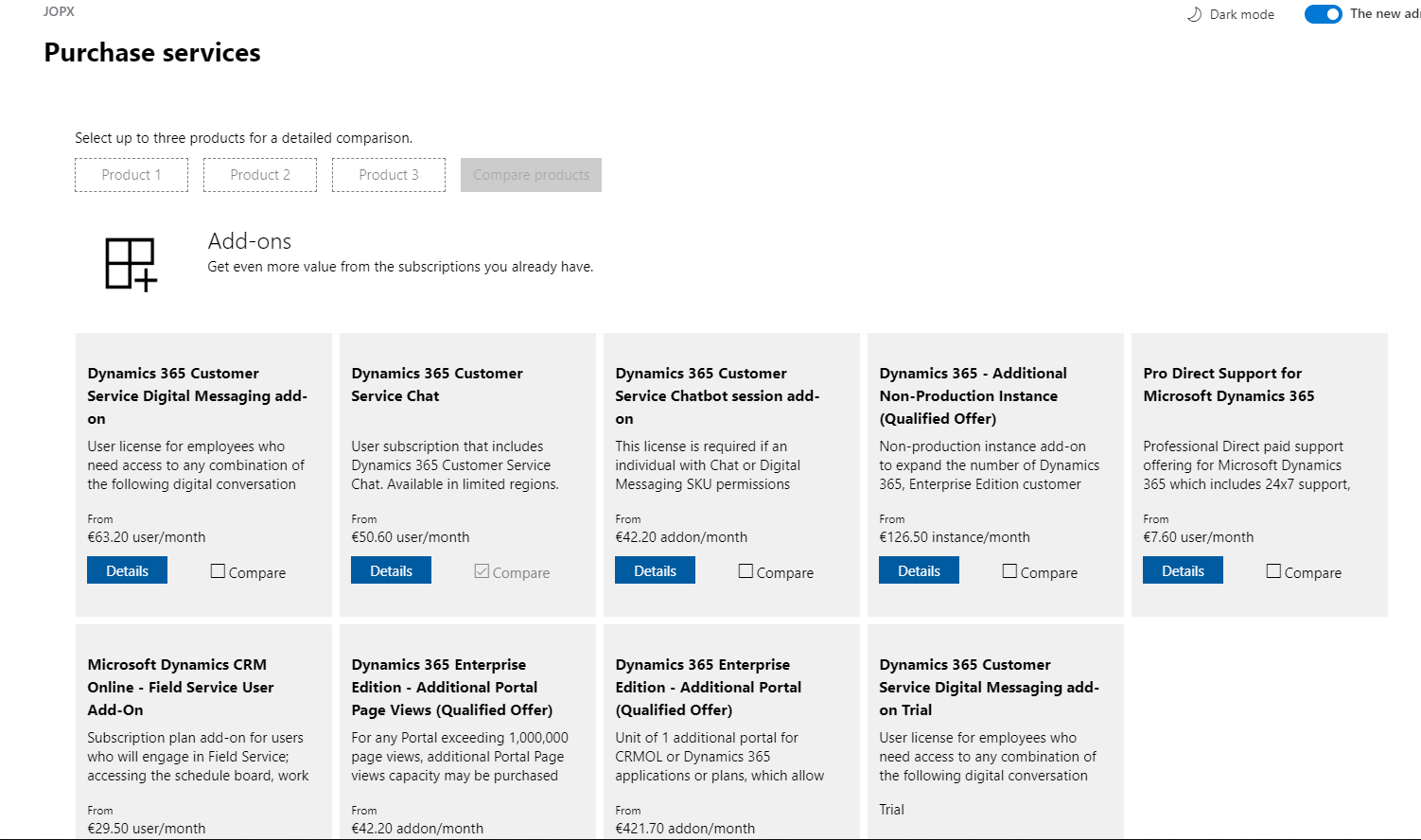
  1. Omnichannel for Customer Service is an add-on which requires a separate license so you first need to add this add-on in your tenant. Go to Billing > Purchase Services and select add-ons. Search for Dynamics 365 Customer Service Digital Messaging add-on trial and select it.
  2. After enabling the add-on you will need to provision Omnichannel for Customer Service by first providing data access consent and in a next step provisioning the Omnichannel for Customer Service application. The official Microsoft documentation still show how to to this from the legacy Dynamics 365 admin portal but you can do this from the new Power Platform Admin Portal as well - click the three dots and select manage for the Omnichannel for Customer Service
  3. In the separate Omnichannel for Customer Service screen you will be able to enable the different channels that you want to support. The initial setup might take a couple of hours to complete so check the same page for the status of the setup later on.
  4. Next you will need to assign the "Dynamics 365 Customer Service Digital Messaging add-on" license to the users who need have a  Omnichannel for Customer Service security role.
  5. To enable chat integration, you need to create a code snippet to embed the chat control on your website or portal. You can follow the steps on the Microsoft Omnichannel for Customer Service Administrator > Quickly configure a chat widget  which use a Customer Service Portal but you can add this chat widget to your own website as well.
  6. Support agents can use the Omnichannel for Customer Service app to interact with the users to follow up on their questions and complaints. When a new conversation comes in, it will be routed to available agents who can accept this incoming conversation. (Take a look at Understand unified routing and work distribution to understand how you automate work assignment across channels taking into account agent's capacity and skill sets)
  7. A customer agent will be able to interact with the customer using an inline chat window which is built on top of the Customer Service application which means that you will be able to leverage the full available context of the customer (existing contact info, open cases, etc ...)
There were lot of new features added to Omnichannel for Customer Service in the 2020 release wave 1 so definitely take a look at the Microsoft Business Applications Summit recording below or take a look at the Omnichannel for Customer Service sessions on Microsoft Learn.

References: